
Building Light Show Creator: Part 2
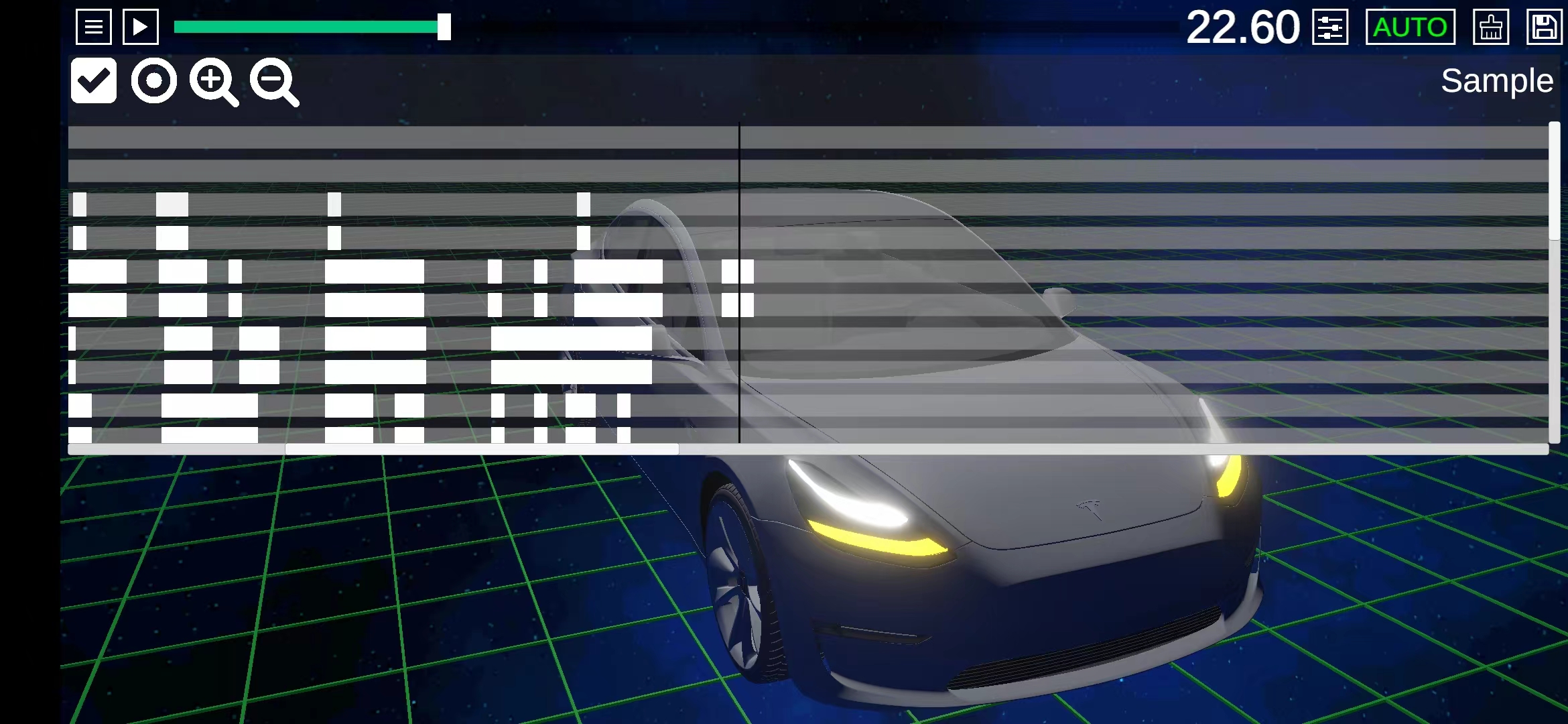
Light Show Creator had been available for a while when users told me that, although automatic mode was convenient, manual mode could suit a phone particularly well. I began planning a new manual mode.
The earliest prototype actually had manual editing. Like xLights, it used a timeline. The result was not satisfactory: fine timeline controls worked better with a mouse than a touchscreen. I removed manual mode from the first public release and kept only automatic generation.
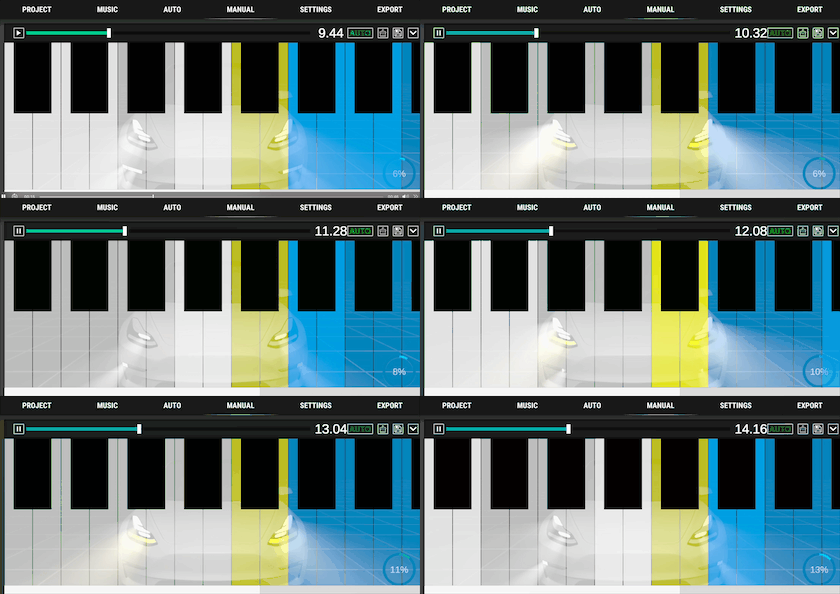
A piano app recently gave me another idea. What if controlling the lights worked like playing a keyboard? Press a key to turn a light on; release it to turn it off. A white key could control one side of the vehicle, while a black key could activate both sides together.
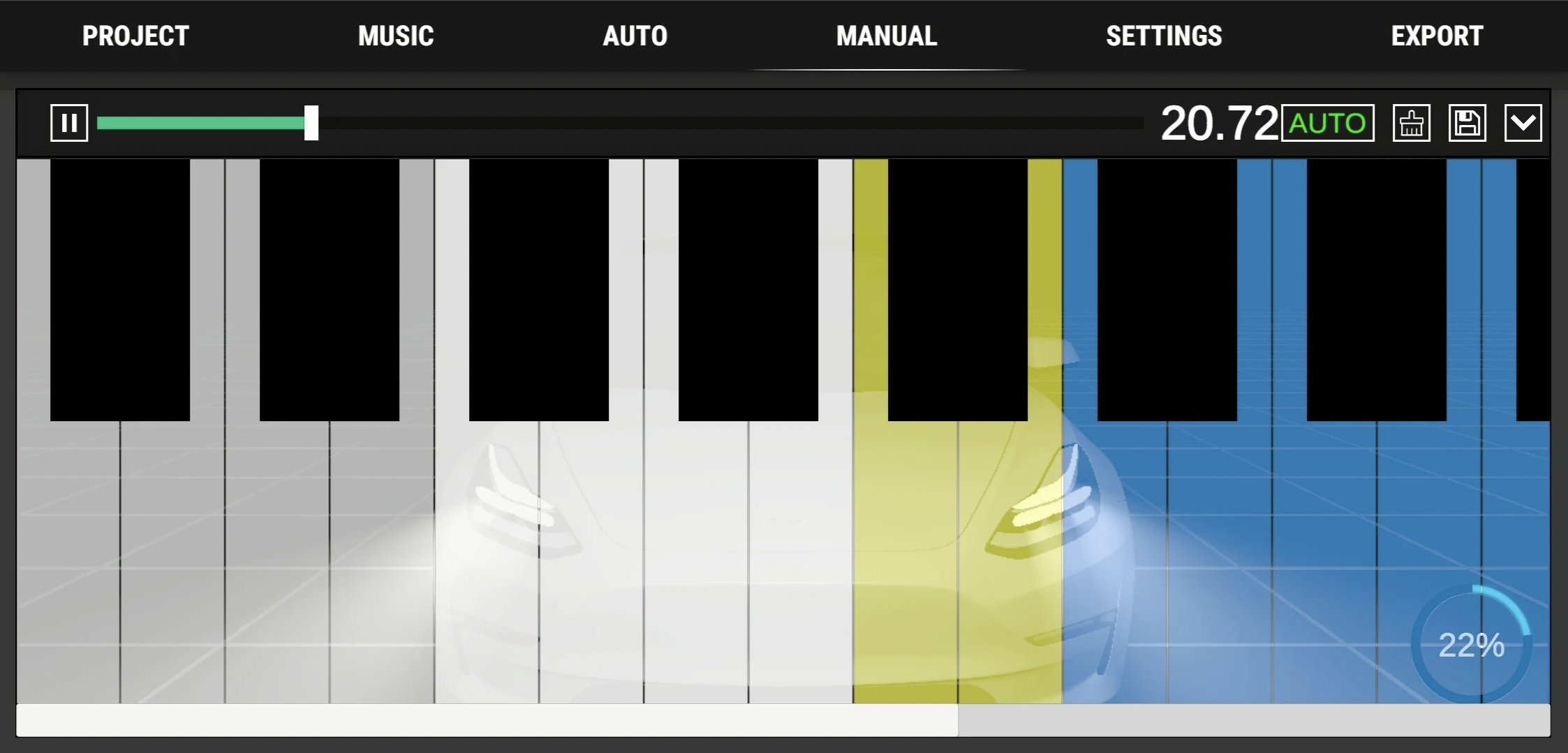
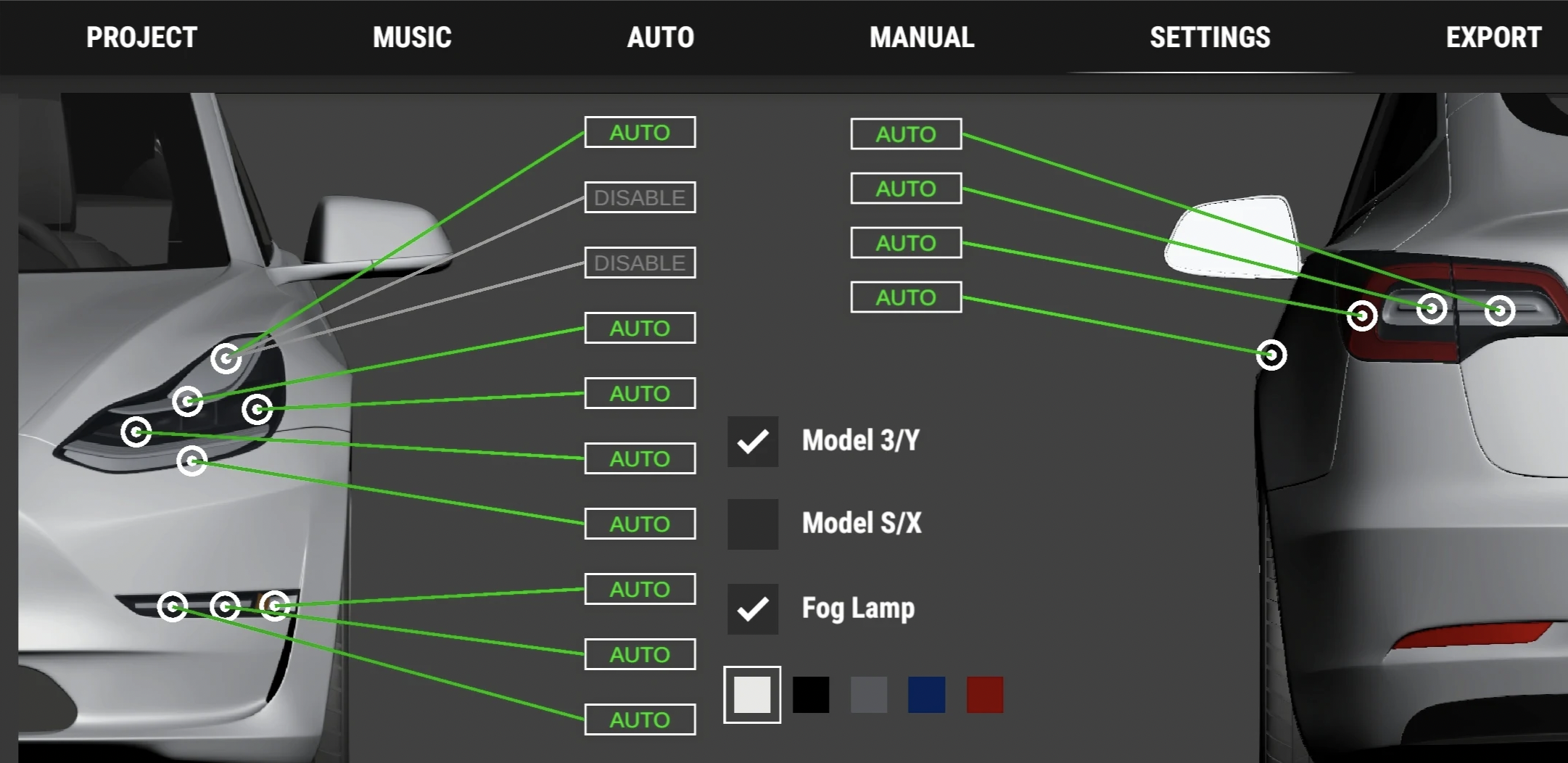
Automatic mode can also run during a manual recording, so you only need to play the few lights you want to emphasize yourself.
Comments
Questions, ideas and experiences are welcome. Please be kind and avoid sharing private information.
Loading comments…