
Getting Started with Firebase Authentication in Unity

I was looking for a third-party account SDK for an app aimed at international users. After comparing the options, I chose Firebase.
Integration was initially rough. I tried exporting an AAR from Android Studio into Unity, then exporting an Android Studio project from Unity. Neither attempt worked. I had not yet tried iOS.
The real problem was that I had not read the official documentation carefully. Google supplied a Unity package: importing it and doing a little configuration in the Firebase console was much simpler.
Official Firebase Authentication Unity guide
Register the app in Firebase
Make sure the registered package name matches the app’s final package name.
Add the SHA certificate fingerprint
Add the fingerprint in the app settings:

Download google-services.json
In the project described in this November 2022 note, I placed the file in Asset/StreamingAssets in the Unity project.
Enable an authentication provider
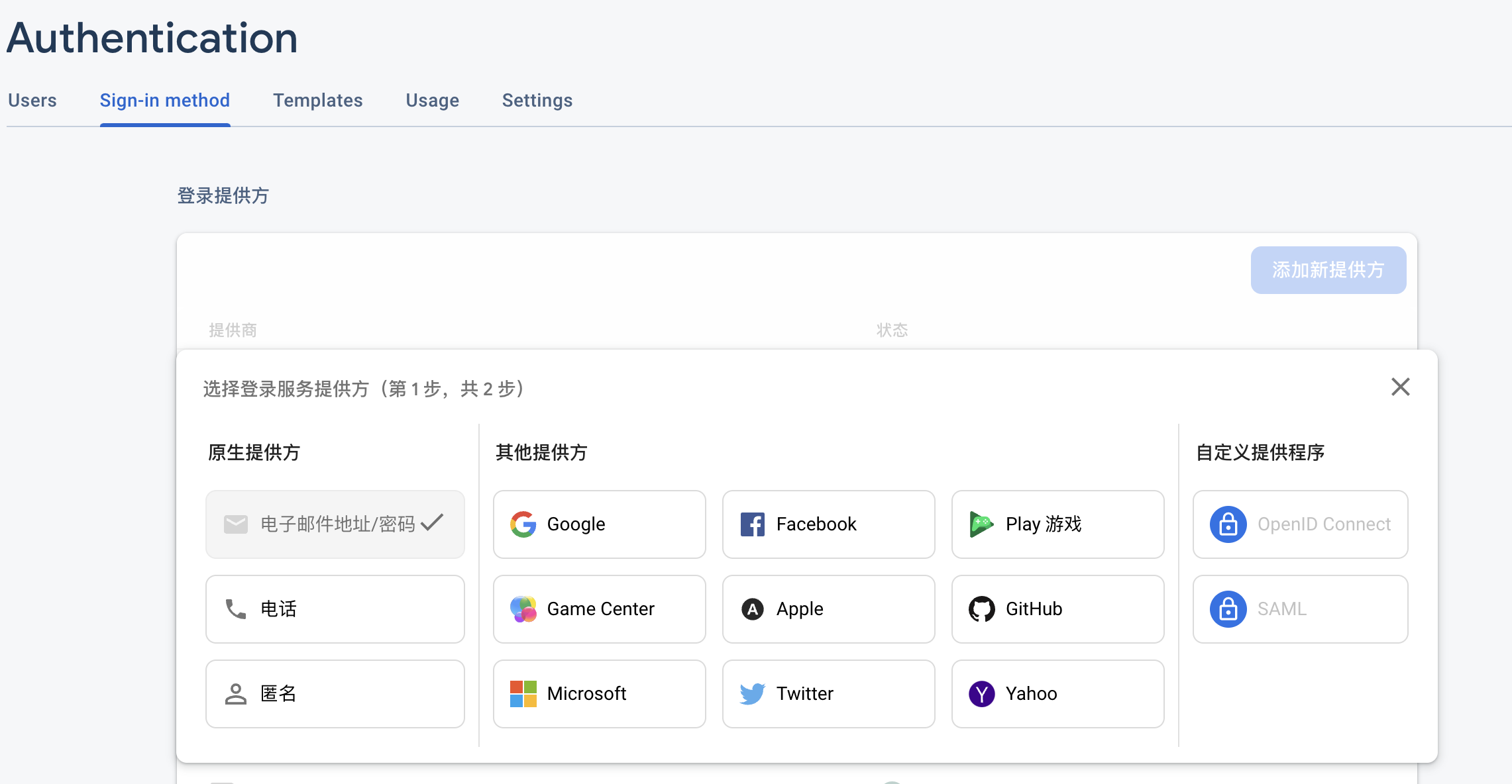
Import FirebaseAuth.unitypackage
Import the authentication package into Unity.
Add test code
The following code tests account creation with an email address and password:
auth.CreateUserWithEmailAndPasswordAsync(email, password) .ContinueWith(task => { if (task.IsCanceled) { Debug.LogError("CreateUserWithEmailAndPasswordAsync was canceled."); return; } if (task.IsFaulted) { Debug.LogError( "CreateUserWithEmailAndPasswordAsync encountered an error: " + task.Exception ); return; }
// Firebase user has been created. FirebaseUser newUser = task.Result; Debug.LogFormat( "Firebase user created successfully: {0} ({1})", newUser.DisplayName, newUser.UserId ); });
Comments
Questions, ideas and experiences are welcome. Please be kind and avoid sharing private information.
Loading comments…